Xbox Cloud Gaming: three checks before your next session
Check the UK catalogue, subscription requirements and connectivity before making streaming part of your gaming plans.
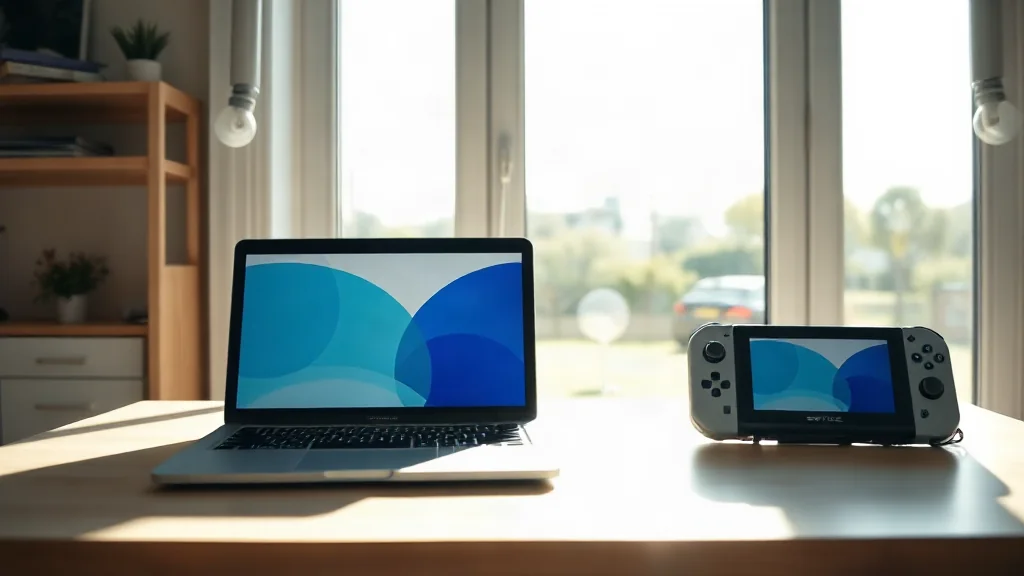
Begin with the game you want to play. Xbox Cloud Gaming streams supported games on compatible devices, so check the current UK catalogue rather than assuming a particular title is included. Catalogue inclusion and device compatibility are separate requirements; confirm both for your intended session.
Next, check the current subscription requirements. Read these alongside the catalogue information so your decision reflects the game and access arrangement you actually need. Avoid building a plan around a general description of the service.
Finally, review the connectivity requirements for your setup. The useful question is whether your intended device, connection and subscription meet the current requirements together. Completing those checks before setting aside playing time gives you a clearer basis for deciding whether cloud gaming suits that session.